
Give every team member a friendly place to learn the app.
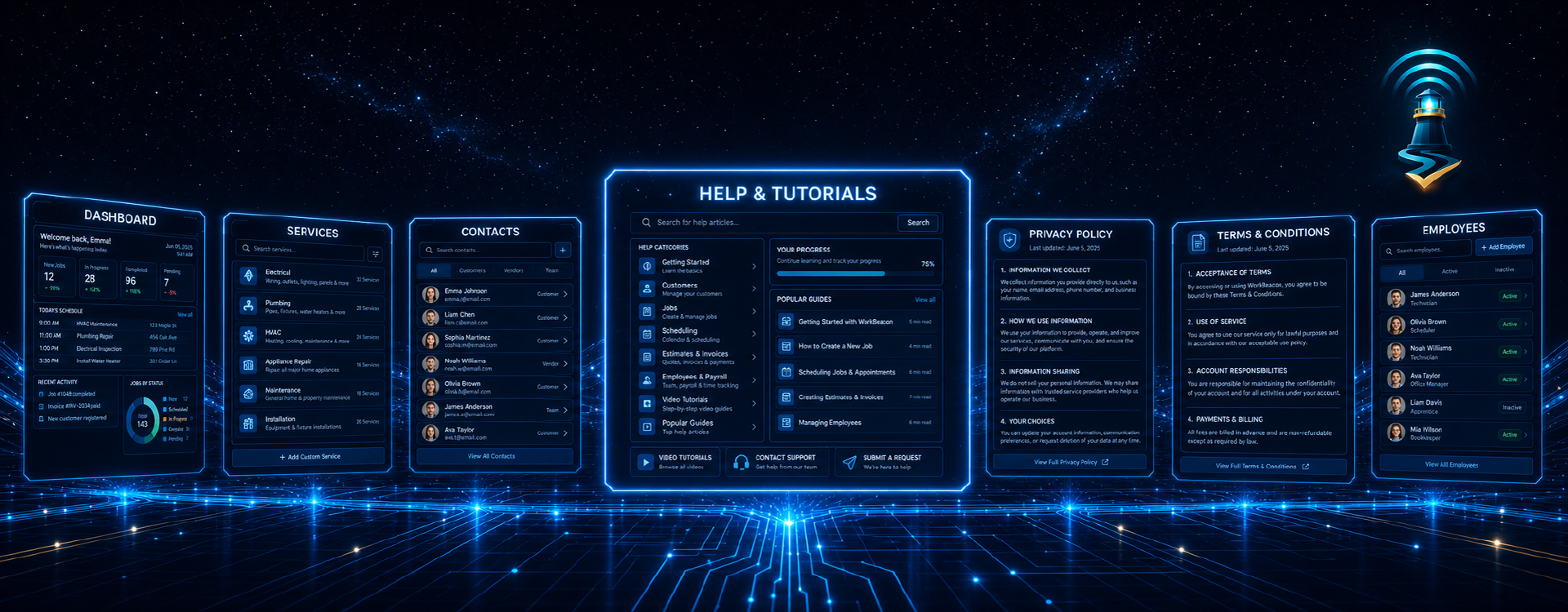
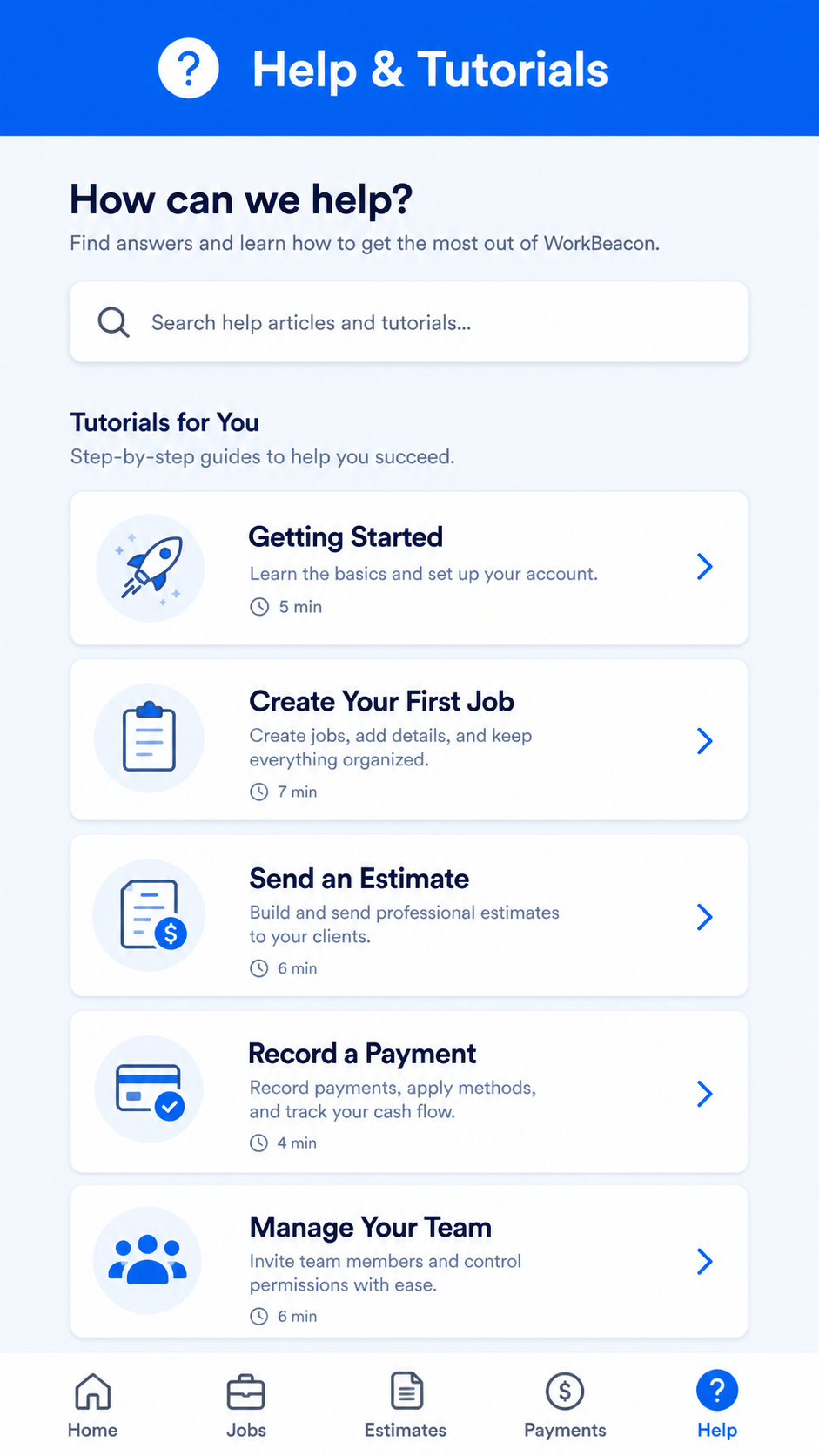 Help & Tutorials gives new team members a simple place to learn how WorkBeacon works. It is designed to make people feel comfortable, not overwhelmed, so they can get back to serving customers and completing work.
Help & Tutorials gives every employee a starting point when they are unsure how to use a feature. Instead of stopping work to wait for an answer, they can find plain-language guidance inside the app. This shortens training time, supports new team members, and helps people feel more comfortable using WorkBeacon correctly.
For the owner or manager, Help & Tutorials creates a more organized day without adding extra paperwork. When information is entered as work happens, it stays connected to the customer and the business instead of living in someone's memory. This makes handoffs smoother when the office talks to the field, when one employee covers for another, or when a customer calls with a question. Small improvements like these add up because the team wastes less time fixing avoidable misunderstandings.
Help & Tutorials also helps your company give customers a better experience. Customers notice when a business remembers the details, arrives prepared, follows up on time, and explains work clearly. WorkBeacon helps make those moments repeatable. It gives your team a simple system to follow, whether you have a small crew or are growing into a larger operation. The result is less scrambling behind the scenes and more confidence in front of the customer.
How it can save money: Help & Tutorials helps reduce costly missed steps, duplicate work, forgotten follow-ups, and time spent chasing information. It will not replace the skill of your team, but it gives that skill a better home. When work is easier to track and easier to explain, your business can protect more billable time, respond faster, and keep more opportunities moving toward completed, paid work.